💡 Lighting Controls
Learn how to control your home's lighting through Home Assistant
Finding Light Controls
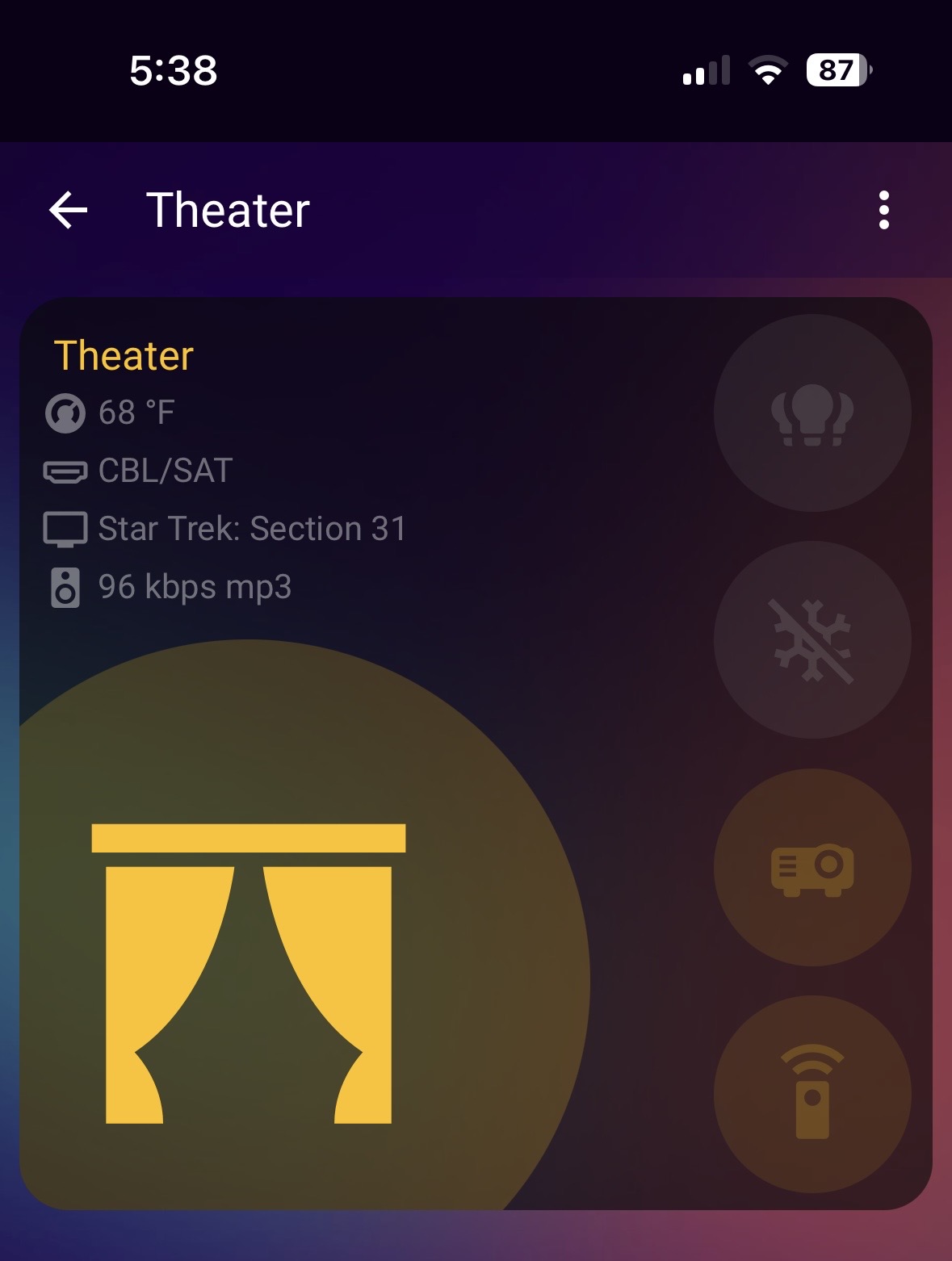
On the room cards you will see various icons.
Each card is your tech portal to the room.
Tap on the Light Bulbs or Light Related icon to expose the room's lighting controls.
Long Tap on the Lights to turn off or on the associated room.
Adjusting Individual Lights
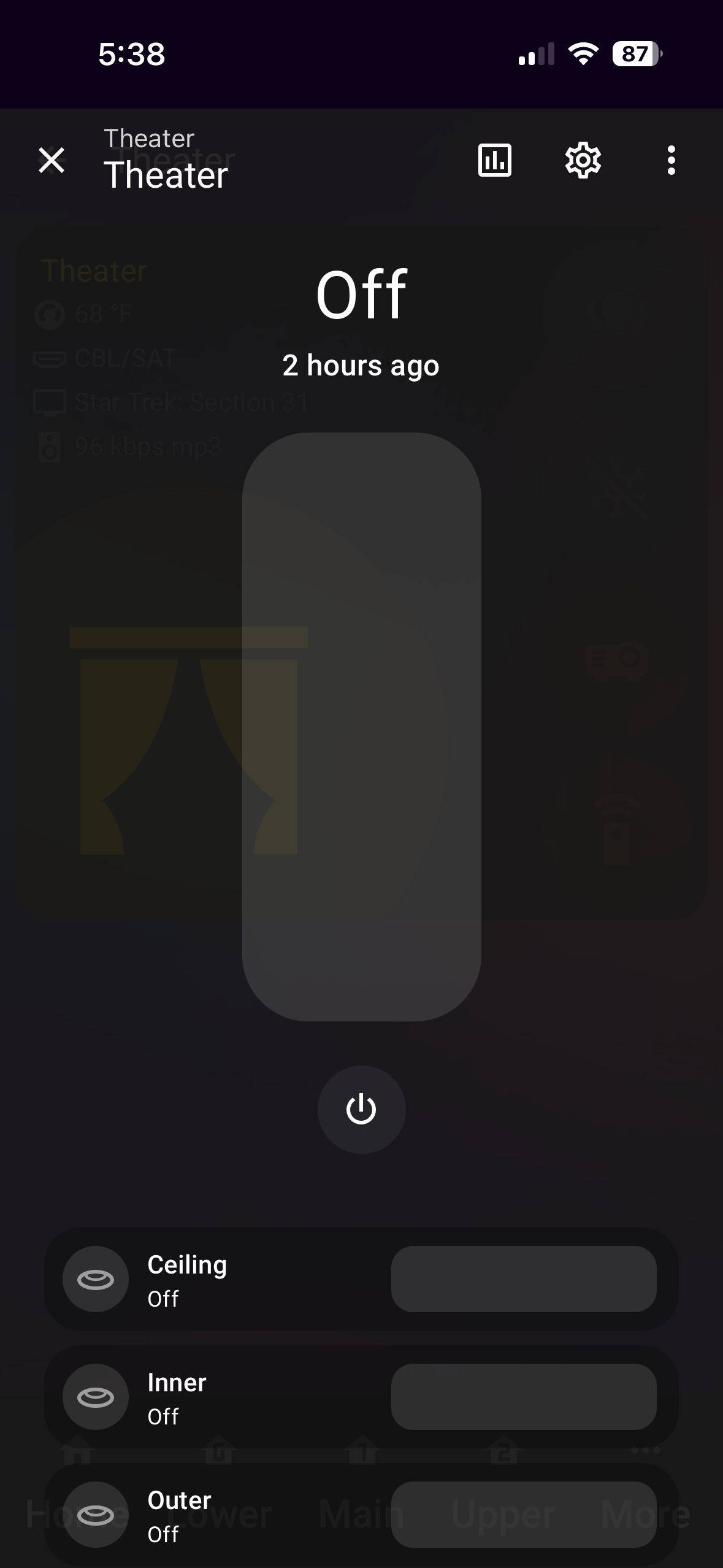
Tapping the lights will show you this window.
The big slider will adjust brightness for the entire room.
The power button will turn the entire room on and off
Slide Brightness on each light box from left (off) → right (on)
💡 Tip: Each light can be controlled independently for perfect ambiance
Perfect Your Lighting

Adjust room levels accordingly to your pleasure
Now make like this horse, and chill. 🐴